TL;DR
- Public monitoring now performs automatic validity checks for supported secret types, displaying whether credentials are Active, Inactive, or Unknown to help prioritize response
- Security teams can dismiss, reopen, and filter alerts by repository, committer, secret type, and state directly from the enterprise security dashboard
- REST API and enterprise webhooks enable integration with custom incident response workflows, allowing teams to query findings programmatically and receive real-time notifications of newly detected leaks
- Availability
- GitHub Enterprise Cloud (public
- Included with
- Advanced Security or Secret
- API endpoint
- GET /enterprises/{enterprise}/se
What happened
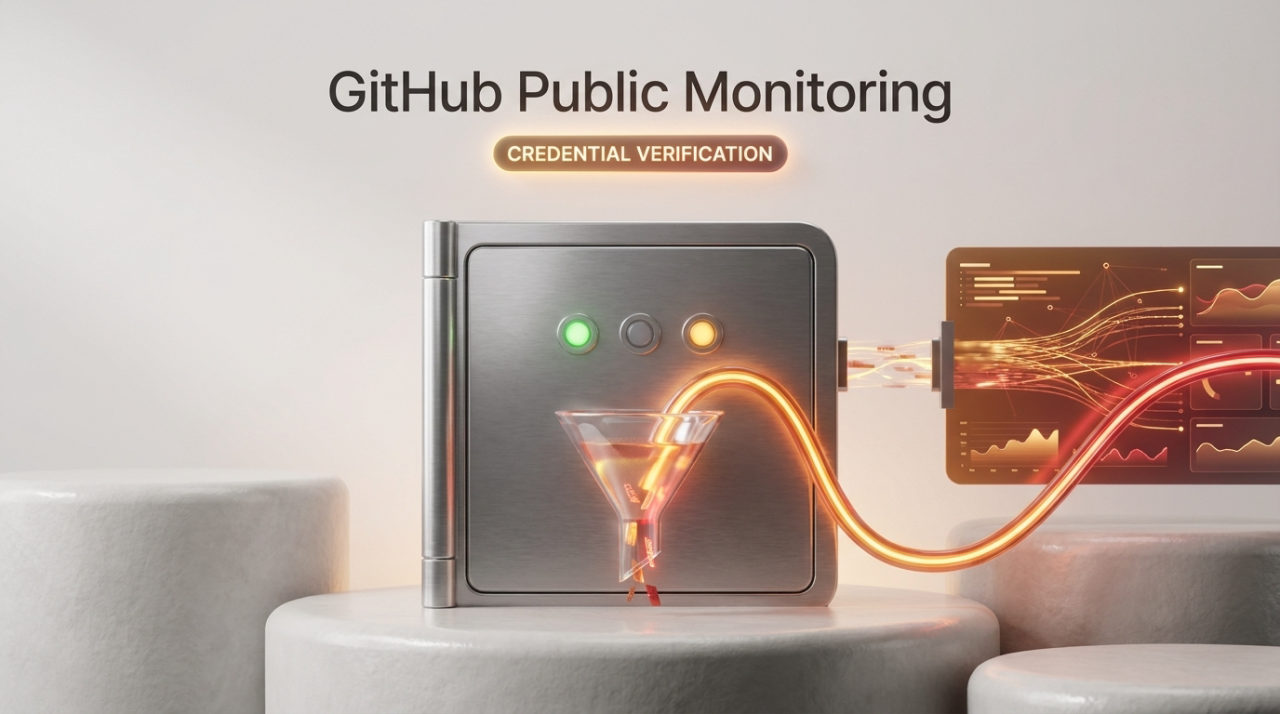
GitHub expanded its public monitoring capabilities for Enterprise Cloud customers with a suite of alert management and automation features. The update adds alert triage workflows, automatic credential validity checks, and programmatic access through a REST API and webhooks to help security teams manage leaked secrets at scale.
What changed
Public monitoring now includes several new alert management capabilities. Security teams can dismiss alerts as Dismissed or Fixed with optional comments, reopen closed alerts if needed, and review a complete activity timeline of all actions and state changes. The alert list can be filtered and sorted by repository, committer, secret type, attribution method (membership or verified domain), and state to focus on exposures that matter most.
The feature includes always-on validity checks for supported secret types. Alerts now display whether a credential is Active, Inactive, or Unknown, enabling security teams to quickly identify and prioritize response for live tokens that pose immediate risk.
For integration with existing security workflows, public monitoring now exposes findings through a REST API and enterprise webhooks. Enterprise admins and security managers can query attributed findings programmatically using the GET /enterprises/{enterprise}/secret-scanning/public-monitoring-alerts endpoint, which returns alert metadata, secret type, attribution, and exposed locations. Teams can also subscribe to the secret_scanning_public_monitoring_alert webhook event to receive real-time notifications whenever a newly detected leak is attributed to their organization.
Who it affects
These features are available to GitHub Enterprise Cloud customers with Advanced Security or Secret Protection licenses at no additional cost. Enterprise admins and enterprise security managers can enable public monitoring and manage alert settings from the enterprise security dashboard. The feature remains in public preview and is available for organizations using GitHub Enterprise Cloud with data residency.
Important limitations
Closing an alert updates its state within the enterprise dashboard but does not revoke the exposed credential or remove it from the public repository. Validity status may show as Unknown for some credentials, requiring manual verification or follow-up.
How to get started
Enterprise admins can enable public monitoring from the enterprise security dashboard and configure alert settings. For programmatic access, teams should consult the REST API documentation and webhook event structure to integrate findings into incident response pipelines. Detailed information about public monitoring configuration and usage is available in the GitHub Community discussion and documentation.
Source
GitHub Changeloghttps://github.blog/changelog/2026-10-23-public-monitoring-adds-triage-validity-api-and-webhooksAI-assisted, verified against the source. This post was drafted with AI from the primary source linked above and checked automatically against it. For anything you depend on, read the original.
- #github
- #secretscanning
- #enterprisesecurity
- #alertmanagement
- #api