TL;DR
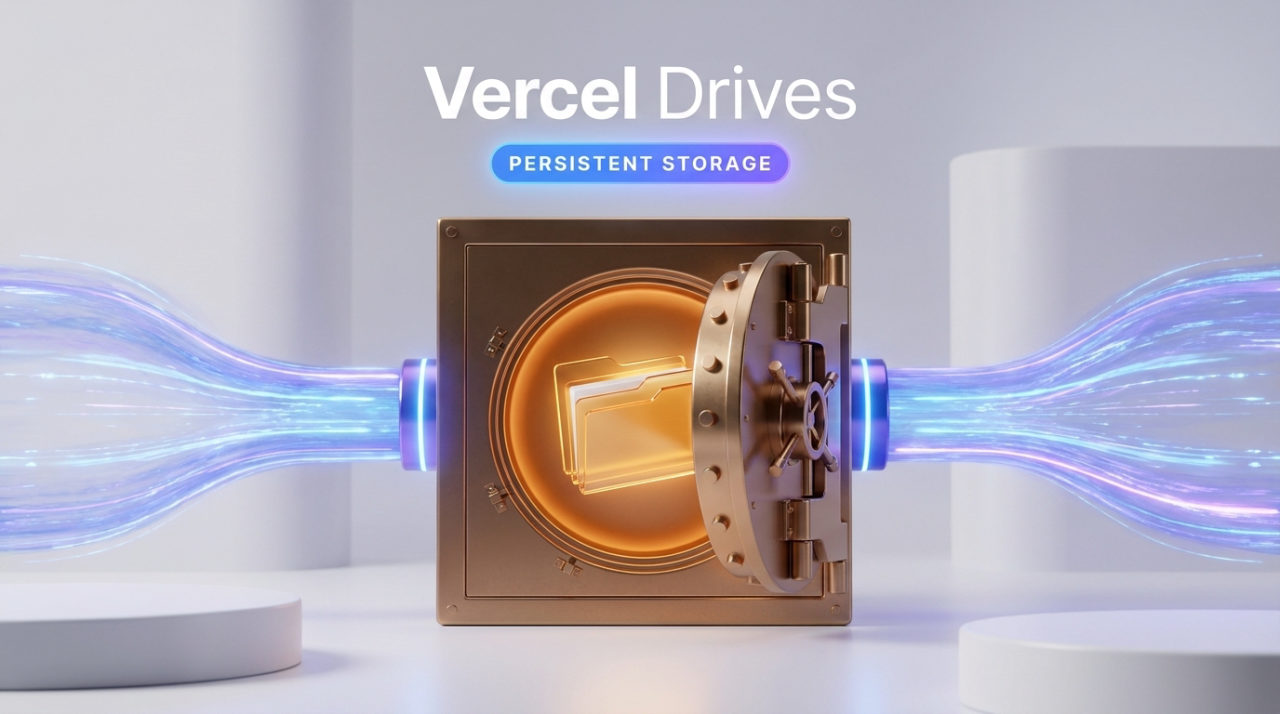
- Vercel Drives keeps agent files independent from sandbox execution environments, allowing agents to resume work across different runtimes and tools.
- Drives default to 1 TiB capacity (1 GiB on Hobby tier), with up to 16 TiB available, and are now generally available on all Vercel plans.
- Multiple agents can mount the same drive to share prepared datasets or fork drives to explore different approaches independently without affecting the original.
- Agents mount a drive when creating a sandbox using the CLI or SDK, and everything under the mounted path persists while other sandbox contents remain ephemeral.
- Availability
- Now generally available
- Default capacity
- 1 TiB (1 GiB on Hobby)
- Maximum capacity
- Up to 16 TiB available
What Vercel Drives solves
Agents performing complex multi-step work often need to switch execution environments. They may require different tools, runtimes, or compute resources as their tasks evolve. Without a persistent storage layer, moving to a new environment means losing access to previously generated files and workspace state. Vercel Drives decouples an agent's files from its execution environment, allowing the same workspace to follow the agent across sandbox transitions.
How to persist state with a drive
To use Vercel Drives, create a drive once and mount it when launching a new sandbox. The drive can be created through the CLI using the get-or-create command, which retrieves an existing drive or creates a new one if none exists. When creating a sandbox, specify the mount path to attach the drive. Any files written to the mounted path persist on the drive; everything else in the sandbox is ephemeral and discarded when the sandbox terminates.
When the agent launches a subsequent sandbox with the same drive mounted, it finds all files from the previous run at the same path. The agent can resume work immediately without transferring files or rebuilding state. This pattern enables multi-step workflows where different sandboxes with different configurations each access the same persistent workspace.
sandbox drives get-or-create agent-workspace
sandbox create --mount agent-workspace:/workspaceimport { Sandbox, Drive } from '@vercel/sandbox';
const drive = await Drive.getOrCreate({ name: 'agent-workspace' });
const sandbox = await Sandbox.create({
mounts: { '/workspace': drive },
});
await sandbox.runCommand('git', ['clone', repoUrl, '/workspace/repo']);Sharing and forking drives across agents
Multiple agents can mount the same drive to collaborate or reuse prepared data. One agent can build a dataset on a drive once, and other agents can then mount read-only copies to analyze the data or generate reports. This eliminates redundant computation and allows downstream agents to focus on their specific tasks using the shared input as a starting point.
Agents can also fork a drive to explore different approaches in parallel. Each fork begins with a copy of the original drive's contents and provides its own writable workspace. Multiple agents can run different transformations on the same dataset simultaneously without modifying the original or affecting each other. Forks do not merge back into the original drive, keeping each experimental path isolated.
Capacity and availability
Vercel Drives is now generally available for Vercel Sandbox on all pricing plans. Drives default to 1 TiB of storage, with the Hobby tier receiving 1 GiB by default. Organizations needing more capacity can configure drives up to 16 TiB. Additional configuration options, snapshot functionality, and specific limits are documented in the Vercel Drives guide and changelog.
Getting started
Agents can begin using Vercel Drives immediately by creating a drive via the CLI or Sandbox SDK and specifying mount paths when creating new sandboxes. Vercel provides a starter template for the eve agent framework that demonstrates the feature. The implementation requires minimal changes to existing agent code; agents only need to specify which paths should persist across sandbox instances.
Source
Vercel Bloghttps://vercel.com/blog/introducing-vercel-drives-persistent-storage-for-agentsAI-assisted, verified against the source. This post was drafted with AI from the primary source linked above and checked automatically against it. For anything you depend on, read the original.
- #vercel
- #agents
- #storage
- #sandbox
- #cloud