TL;DR
- Vercel Drives provides persistent storage mounted as directories in Vercel Sandbox, accessible across multiple sandbox runs and environments
- Drives remain available after sandboxes stop, enabling agent workspaces and file-based memory to survive between executions
- Fork functionality allows parallel workers to start with inherited data while maintaining isolated changes without affecting the original Drive or other workers
- Available on Hobby, Pro, and Enterprise plans with API support for creating, forking, and deleting Drives
- Availability
- Hobby, Pro, and Enterprise
- Type
- Persistent storage for sandboxes
- Release status
- Generally available
What happened
Vercel Drives transitioned to general availability for Vercel Sandbox, making persistent storage accessible across Hobby, Pro, and Enterprise plan tiers. A Drive is persistent storage that mounts as a directory within a Vercel Sandbox, with its files remaining available after the sandbox stops running. This enables later sandbox runs and different sandboxes to access the same data by mounting the same Drive.
What Drives enable
Drives address several common patterns in agent and sandbox workflows. You can use Drives to preserve an agent's workspace or file-based memory across multiple runs, eliminating the need to rebuild state each time a sandbox starts. They also make datasets, models, dependencies, and build artifacts available across different sandboxes without duplicating files in each execution environment.
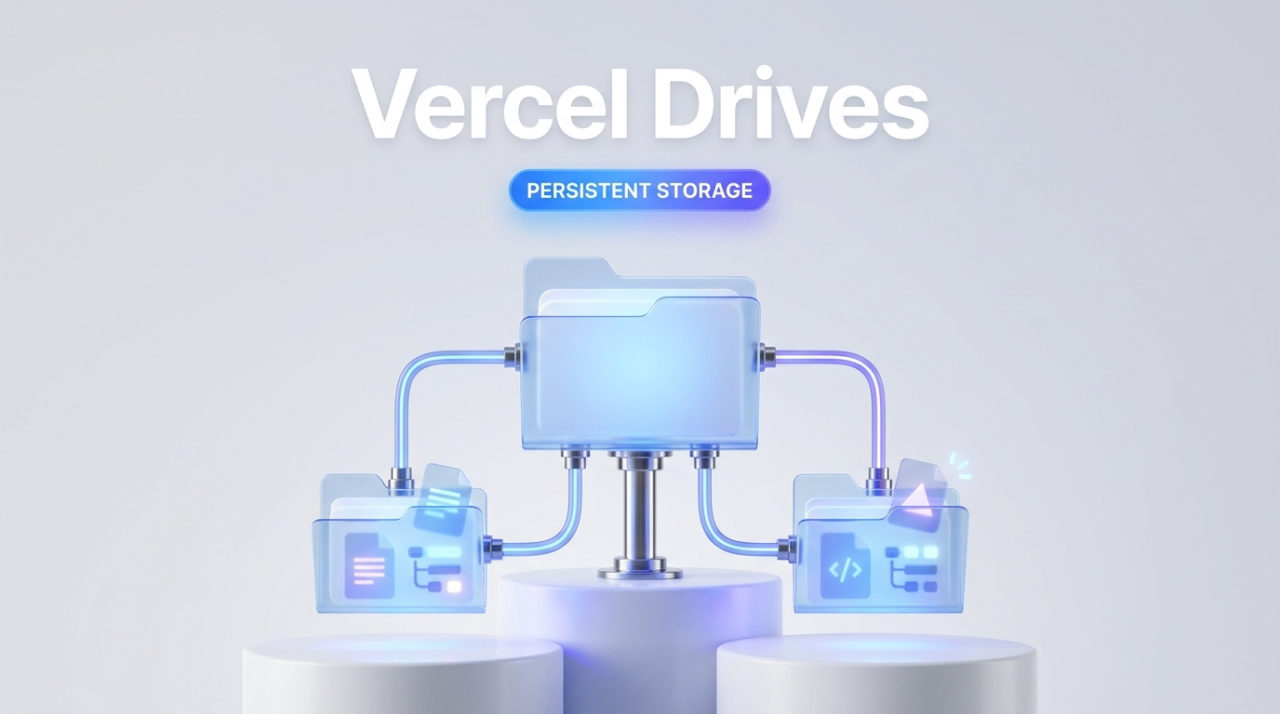
The forking feature extends this capability for parallel processing. You can fork a Drive into independent writable copies that inherit the source Drive's data, region, and maximum size while storing their own changes separately. This allows parallel workers to start with the same files and make modifications without affecting the original Drive or interfering with changes made by other workers.
import { Sandbox , Drive } from '@vercel/sandbox' ;
const drive = await Drive . get ( { name : 'base-drive' } )

for ( let i = 0 ; i < 2 ; i ++ ) {
 const fork = await drive . fork ( { name : ` worker- ${ i } ` } )
 const sandbox = await Sandbox . create ( {
 mounts : {
 '/data' : fork ,
 }
 } )
 // Run the session, then delete the fork
 await fork . delete ( )
 }
How to use Drives
The Drives API provides three core operations: retrieving an existing Drive with `Drive.get()`, forking a Drive to create an independent writable copy with `drive.fork()`, and deleting a Drive with `fork.delete()`. When creating a sandbox, you mount a Drive to a directory path using the `mounts` parameter, making it accessible as part of the sandbox's filesystem.
The pattern supports cleaning up temporary forks after workers complete. You can create a fork for a worker, pass it to a sandbox via mounts, execute the sandbox session, and then delete the fork when finished. This keeps your storage footprint minimal while maintaining data isolation during parallel execution.
Storage across plan tiers
Drives are available to customers on all three plan levels: Hobby for individual development, Pro for growing teams, and Enterprise for organizations. This broad availability means persistence and forking capabilities are accessible whether you are prototyping with agents on a hobby account or running production workloads on an Enterprise deployment.
Next steps
To begin using Drives, consult the Drives documentation on Vercel's docs site. The documentation provides detailed API reference, configuration options, and additional examples beyond the forking pattern shown here.
Source
Vercel Bloghttps://vercel.com/changelog/vercel-drives-is-now-generally-availableAI-assisted, verified against the source. This post was drafted with AI from the primary source linked above and checked automatically against it. For anything you depend on, read the original.
- #vercel
- #sandbox
- #storage
- #persistentdata
- #infrastructure